Raspberry Pi Home Lab
A compact home lab running on a Raspberry Pi 5 with Docker, a monitoring stack, and automated off-site backups.
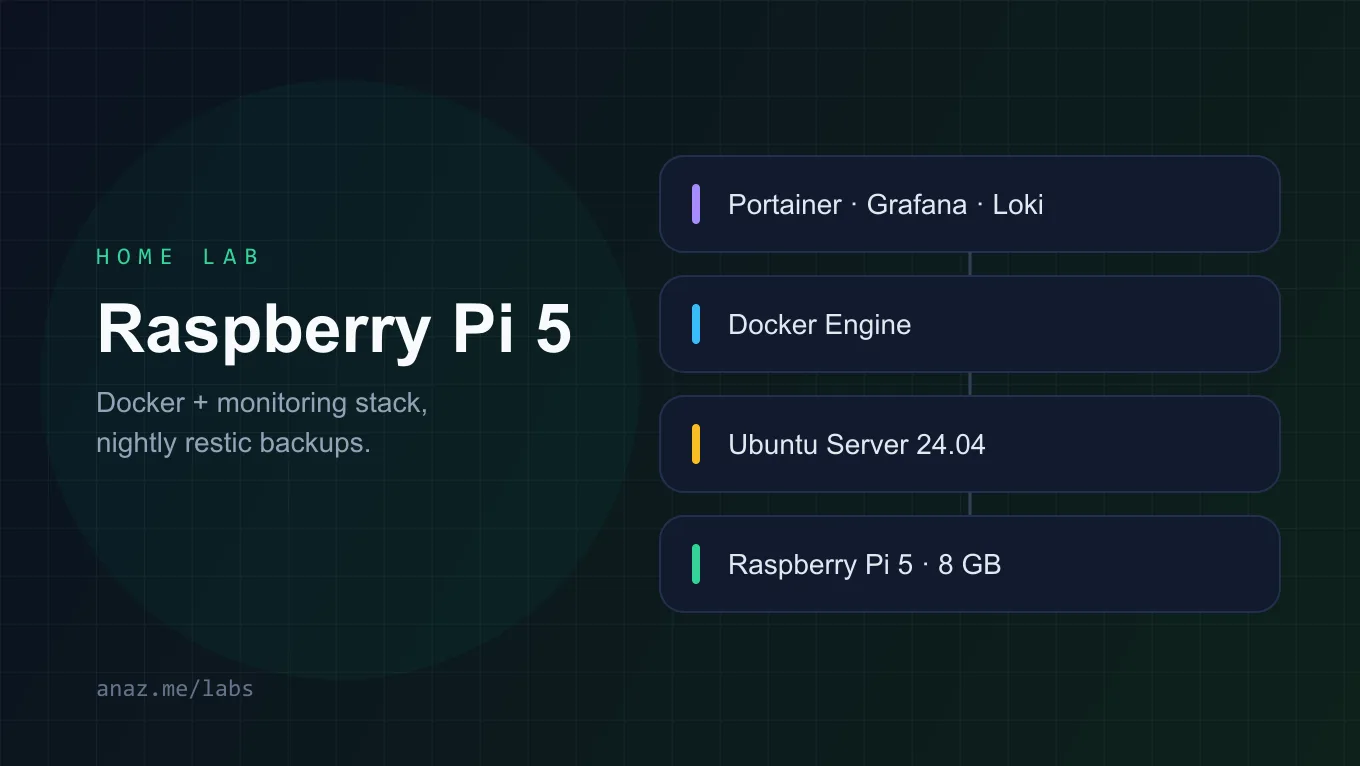
Highlights
- Provisioned a Raspberry Pi 5 (8 GB) with Ubuntu Server 24.04 LTS
- Deployed Portainer for container management via Docker Compose
- Set up Prometheus + Grafana for metrics, Loki + Promtail for logs
- Configured automated off-site backups to Backblaze B2 using restic
- Exposed services securely with Tailscale Funnel (no open ports)
Tools
Links
This started as a weekend project to learn container orchestration on ARM without paying for cloud instances. The Pi 5 has 8 GB of RAM, which is plenty for a modest monitoring stack and a few self-hosted services.
#How the pieces connect
The whole stack, inlined as SVG at build time. It follows the page theme automatically.
#Why a Pi?
Cloud costs add up fast. A $10/month VPS is $120/year, while the Pi 5 kit cost me around $120 once. For personal telemetry, home automation, and learning, it pays for itself within a year.
#Key decisions
- Portainer over raw Docker Compose files - the UI makes it trivial to inspect logs, restart containers, and update images without SSH’ing in.
- Tailscale Funnel - exposes Grafana at a public URL with zero port forwarding. The Pi stays behind CGNAT.
- restic + Backblaze B2 - encrypts backups client-side, deduplicates them, and costs pennies. I back up
/etc,/var/lib/docker/volumes, and the Prometheus data directory nightly.
#Watching it run
Three blinking LEDs is apparently all it takes to make a home lab feel alive. This is an inline SVG with a SMIL animation - no JavaScript involved.
Inline SVG with a slow SMIL blink - the markup lives directly in the MDX file.
A weekly health check is one command away:
      # Runs on the Pi, usually from a cron job
docker compose -f /opt/stack/docker-compose.yml ps
restic snapshots --repo b2:bucket:pi-backups
#What I’d do differently
Next time I’d skip Ubuntu and go straight to NixOS. A declarative config would make the whole setup reproducible and version-controlled from day one. The learning curve is real, but so is the payoff.
Add a small UPS (I use an APC BE600M1). It gives the Pi enough time to shut down cleanly on power loss, which protects the SD card and the restic repository.